
Tee sheets built around the day.
Manage daily and weekly tee times, availability, player details, packages, payments and course activity from one clear operating view.
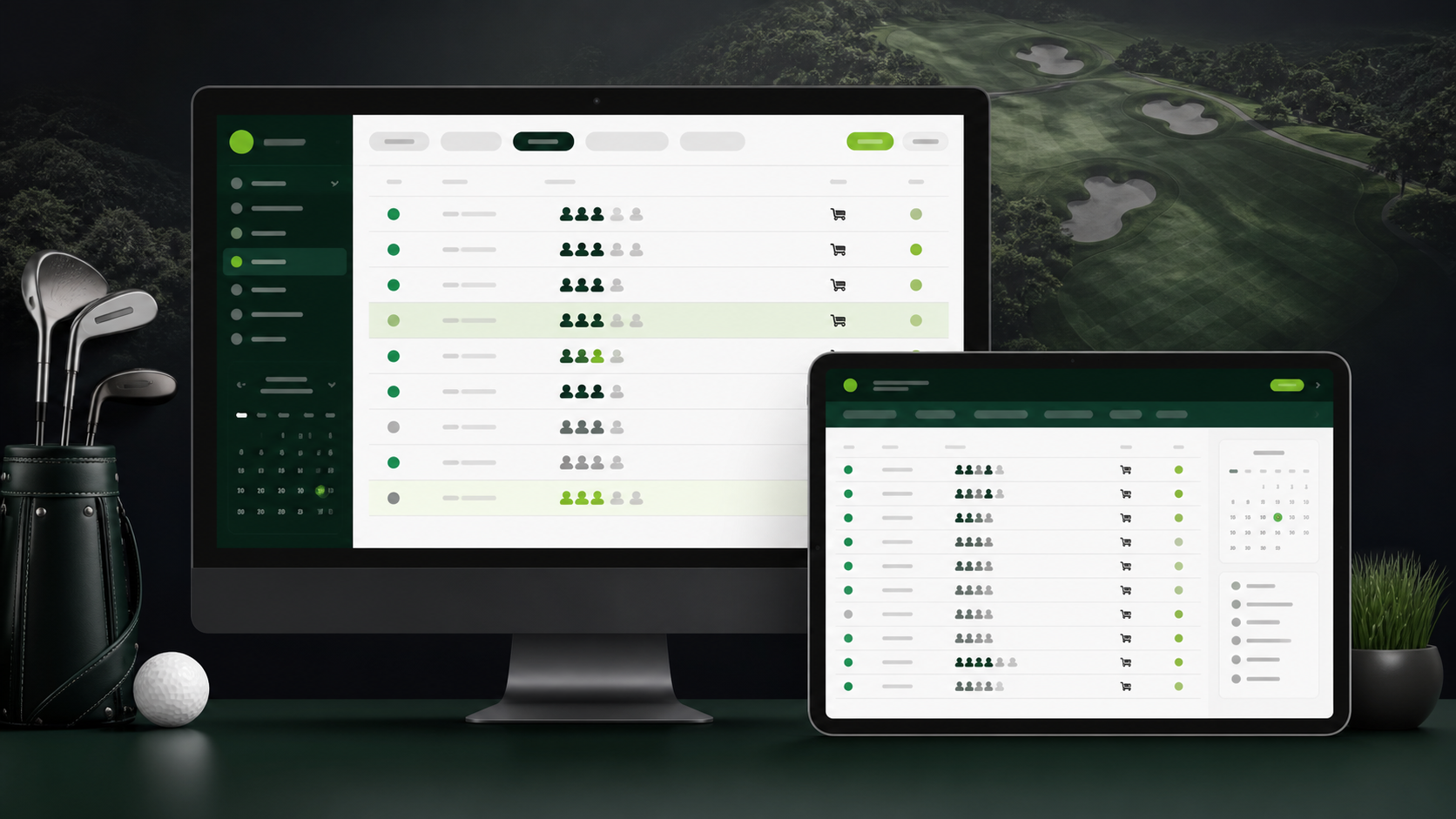
Connect tee times, events, memberships, Food & Beverage, staff, payments and reporting—without losing the golfer or the round between systems.
Give each team a focused view while keeping every golfer, purchase, event and operational decision connected.
Manage daily and weekly tee times, availability, player details, packages, payments and course activity from one clear operating view.
Every course gets a public Dash3 page for course information, tee-time booking, events, leagues, memberships and a direct path into the golfer experience.
Create, sell and manage memberships and playing packages that remain connected to each golfer’s Dash3 profile.
Coordinate registrations, golfers, teams, ticketing, schedules, scoring, contests, payments and reporting.
Give managers, pro-shop, kitchen and beverage-cart teams the tools appropriate to their work.
Book simulator bays online or in person, reserve multiple bays and create recurring bookings. Keep payments, receipts and cancellations connected to the booking.
Organize maintenance jobs, task templates and equipment so the team can keep course work and its details in one place.
Enter a few details about your operation to estimate the additional monthly and annual value Dash3 could help create.
Use your current annual operating profile.
Estimates are based on industry data and Dash3 client results. Actual results vary by course, adoption, pricing and participation. Book a demo for a tailored projection.
Build a visual product catalogue, keep stock current, take counter payments and understand what the Pro Shop is contributing—all without separating the sale from the course transaction record.
Organize products into familiar categories, add images and pricing, create the order and collect by cash or a connected Terminal. Customer details and receipt delivery stay with the purchase.
Track available quantities, set low-stock warnings and clearly identify unavailable products before the next order is started.
Manage product images, descriptions, regular prices and sale pricing while keeping the catalogue ordered the way staff expect to shop it.
Keep completed orders, payment details and refunds connected to the original items and customer.
Review orders, product volume and sales by payment method across daily, weekly, monthly and comparison views.
Golfers can open the menu, choose available items, add notes, review tax and gratuity, pay and track the order without leaving the round experience.
Give golfers a simple way to book simulator time, while staff manage availability, recurring visits and payments from the same booking sheet.
Let golfers reserve multiple bays online or let staff create an in-person booking. Bay capacity, golfer counts and pricing stay with the reservation.
Create recurring bookings across selected dates and bays. Preview availability and prices before saving, then choose whether later edits apply to one booking or future dates.
Take online card, terminal or cash payments. Collect for selected dates and bays, accept partial payments, and keep balances, receipts and refunds connected.
Keep staff updates, conversations, calendars and time records together, with access suited to each person’s role.
Share announcements on the message board for all staff or a department. Give the team a clear place to find course updates and the information they need for the day.
Use staff chat, the shared calendar and the staff list to coordinate with colleagues and keep important conversations within the course’s workspace.
Enable clock-in and clock-out tools, review timesheets and export time records. Course permissions control who can see their own entries or review the wider team.
Bring course upkeep, power cart servicing and equipment maintenance into one organized workspace, from the next scheduled job to the completed record.
Set up task templates and repeating schedules so routine work appears when it is due. Review scheduled jobs and outstanding work from the maintenance calendar.
Maintain records for equipment and power carts, with maintenance jobs linked to the right item. Keep photos, notes, machine hours and odometer details alongside the work.
Record completed jobs and review maintenance history for the course, carts and equipment. Keep the details available for the next service or handover.
Keep the clubhouse, kitchen, golfer and beverage cart in context while a request moves from preparation to delivery.

Order status travels from the golfer to the kitchen and service team, then back to the golfer in real time.
The golfer confirms items, notes, location, tax, gratuity and payment.
The kitchen or clubhouse receives the order and moves it into preparation.
Staff mark the order ready, on the way or ready for pickup with the correct golfer status.
Delivery closes the request, records the payment and prepares the next order cleanly.
Connect Stripe Terminal hardware, including the Reader S700, to Dash3 so staff can collect secure card and contactless payments without separating the sale from the golfer, booking, order or event.
Dash3 keeps the operational action and its financial record together, so teams can answer what was sold, how it was paid and what changed.
Adjust quantities, flag low stock, mark items unavailable and see warnings before service is affected.
Accept online payments, use connected terminal hardware, or record another accepted course payment method with clear receipts.
Paid orders cancelled by the course enter the refund workflow and notify the golfer clearly.
Items, tax, gratuity, payment method, receipt and refund details remain together.
Review daily, weekly, monthly and comparative sales, item volumes and service performance.
Tell us which workflows matter most—from tee times and course websites to Food & Beverage and reporting.